
PufferPOS
Four years of watching cafe operations break, turned into a live POS product.
Live MVP with self-serve onboarding, seeded demo data, and a 14-day trial.
Four years ago, I spent a lot of time in a local workspace and cafe.
From the first day, one thing was hard to ignore. Too much of the business lived in notebooks, paper, memory, and manual follow-ups.
Orders. Expenses. Inventory. Shift closing. Customer tabs. Small mistakes that quietly turned into real money problems.
I built them a small POS demo. They liked it.
But the demo was not the part that stayed with me. The problems did.
The notebook problem
The owner did not always have a clear view of the day. Cashiers and baristas depended too much on memory. Inventory was painful. Closing a shift was messy. A cancelled order could become a mystery by the end of the week.
Even when software existed, it often felt disconnected from how people work under pressure.
So I kept rebuilding the idea. Not as a startup at first. More like an obsession with a workflow I had seen up close.
That eventually became PufferPOS.
From screen to system
A checkout screen alone would not fix the operation.
The product had to connect what happens at the counter to what the owner sees later. Completing one order can affect stock, table state, customer history, shift totals, and daily reporting.
I built the MVP end to end around that loop:
- POS and active order flows
- table and floor management
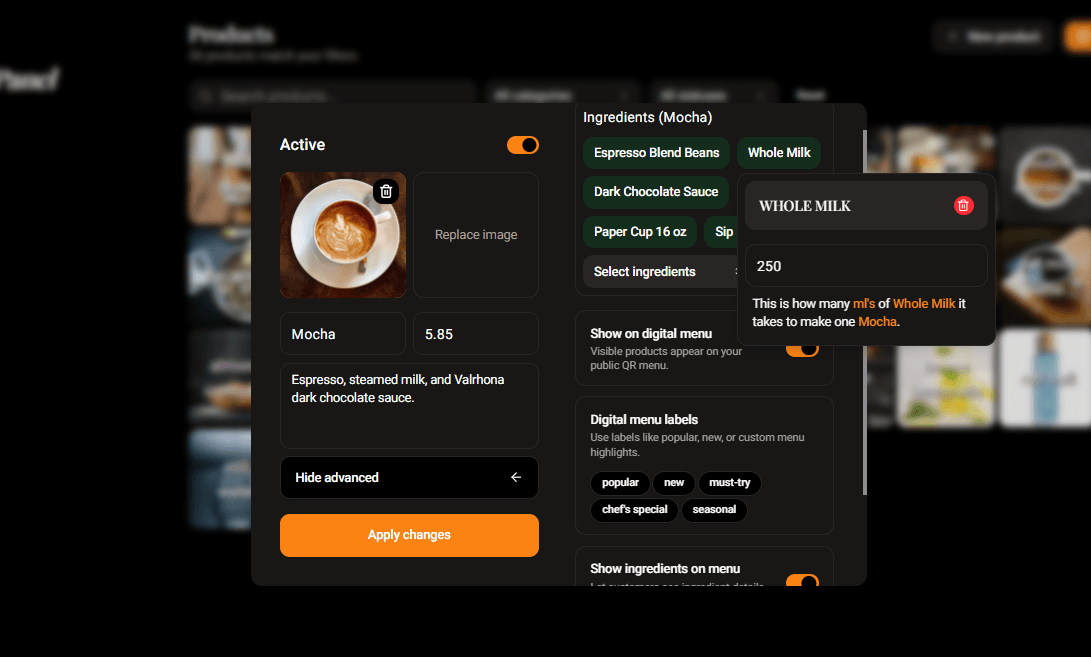
- products, recipes, ingredients, and stock
- shifts, expenses, vendors, and customers
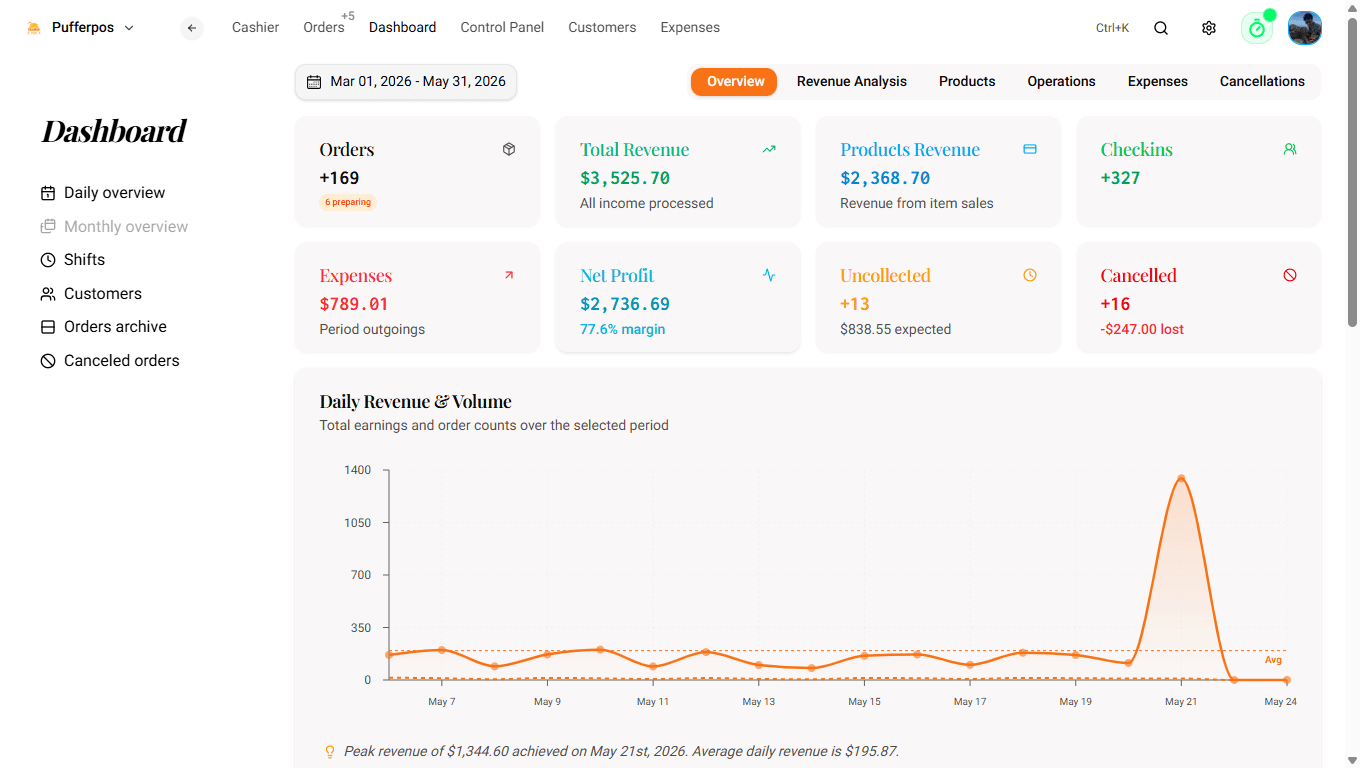
- dashboard reporting and daily snapshots
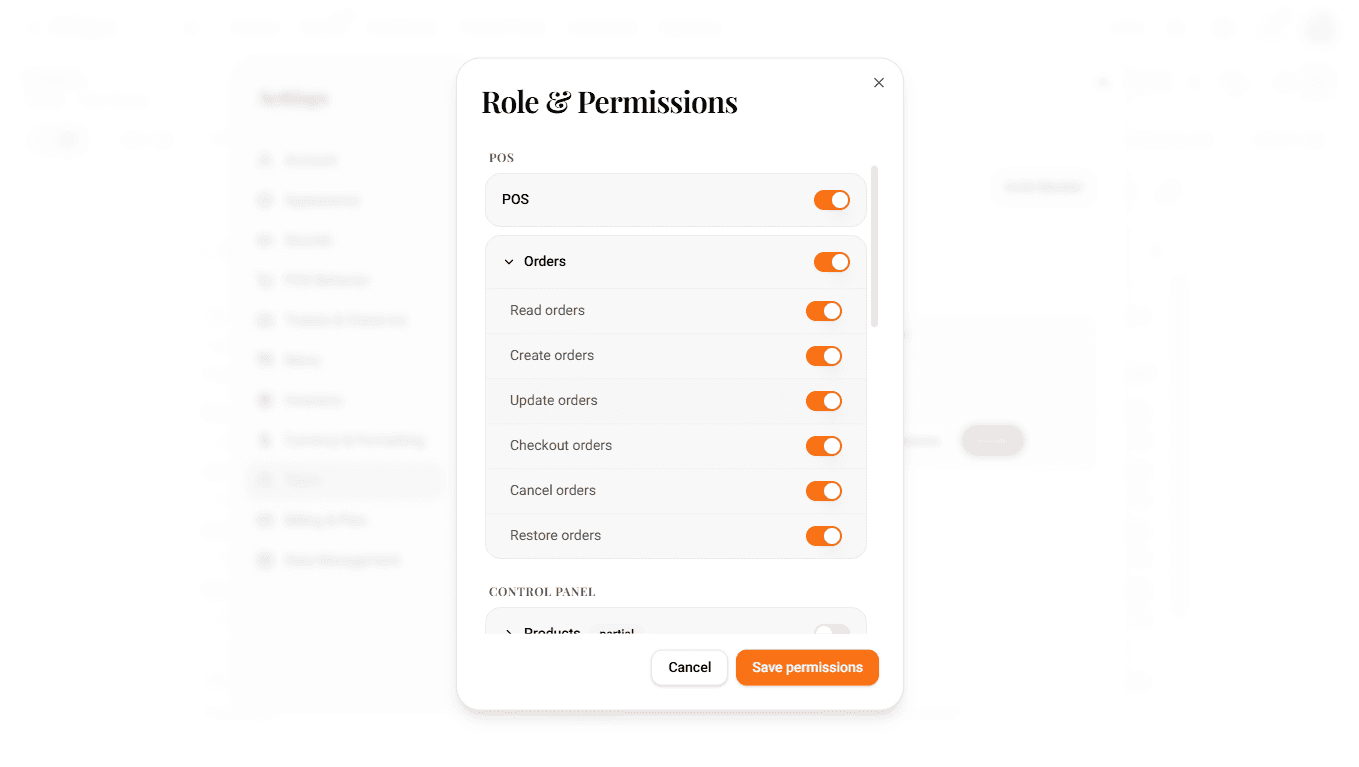
- staff roles and resource permissions
- organization-scoped data and billing gates
- onboarding with realistic demo data
- a public read-only menu
The feature list is wide. The point is the connection between the features.
What shipped
PufferPOS is live at pufferpos.com.
A new user can create a workspace, seed it with demo data, explore the operation, and start configuring a real cafe without me standing beside them.
Since launch, 30 people have signed up and created 22 organizations. I treat that as early signal, not product-market fit. The useful proof is smaller: the self-serve loop works, people can understand the product, and the system has left my laptop.
Product choices
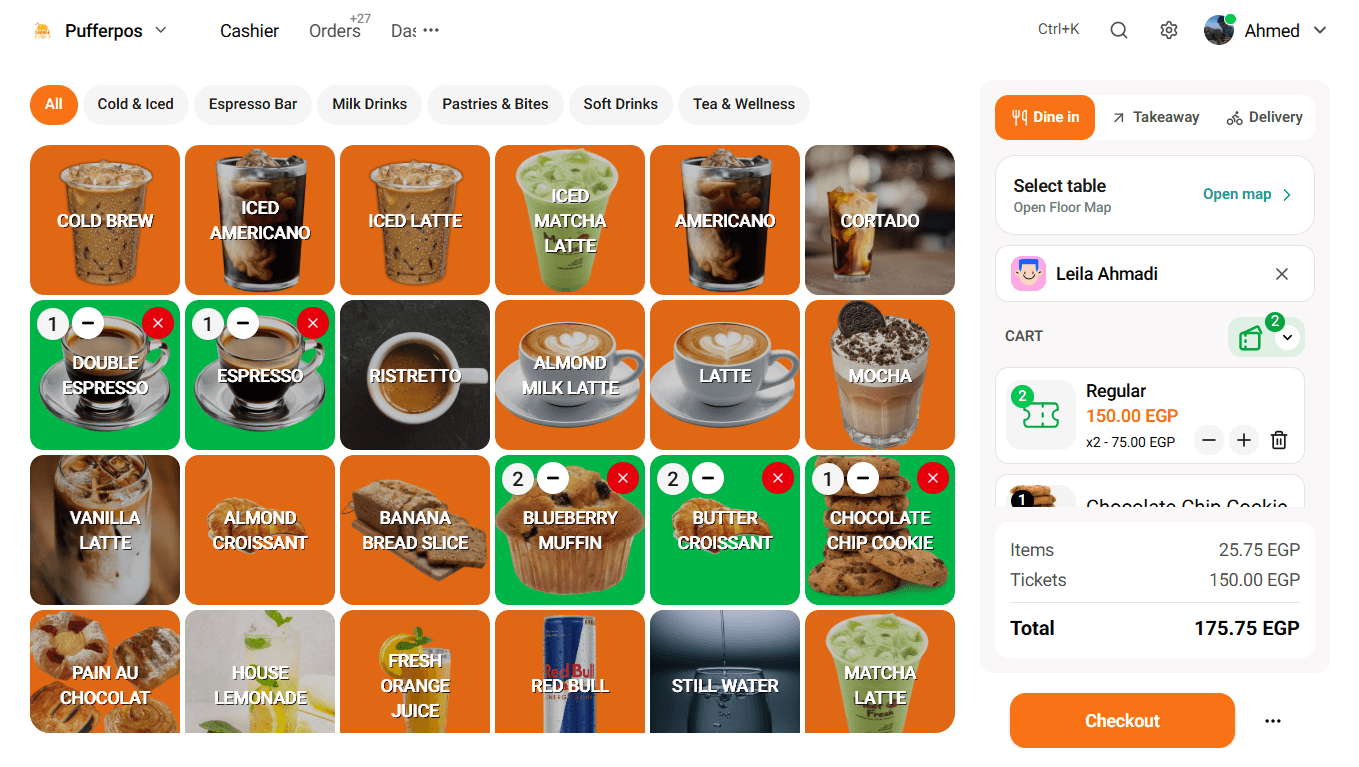
The POS screen received the most iteration. I watched how cashiers moved through the old versions, then kept removing friction. The current screen is sparse because speed, predictability, and low cognitive load matter more than showing everything at once.
I made onboarding part of the product. Empty operational software feels dead, so a seeded workspace gives people something real to touch before their own menu is ready.
I also kept the public menu read-only. Online ordering, delivery, memberships, and events are useful directions, especially for workspaces. They were not more important than making the core staff workflow dependable.
That was a lesson I had to learn more than once: a bigger vision is easy. Choosing what deserves to exist now is the harder product skill.
Technical choices
I chose Next.js, TypeScript, Firebase Auth, Firestore, Firebase Storage, Firebase Admin, NextAuth, and Vercel cron routes.
Firebase was a speed decision. The product relies heavily on live order, stock, table, and dashboard updates. Firestore gave me that without building WebSockets, Redis, pub/sub, and a heavier backend before the product needed them.
The tradeoff is real. More advanced querying, search, cost control, and reconciliation may eventually justify a different data layer. That migration would be expensive, so I would only make it when usage proves the need.
The dashboard taught me the clearest version of this tradeoff. The first version fetched every order in a date range and calculated insights from the raw data. It stayed close to the source, but large ranges meant more reads and repeated work.
I moved reporting to daily snapshot documents updated by order events. The dashboard now reads one document per day, with a reconciliation job available to rebuild snapshots from real sales data. Fewer reads, faster reporting, and one more place where correctness has to be designed rather than assumed.
For a POS, trust is the real technical product. Totals, stock, receipts, permissions, refunds, and offline recovery have to become boring.
Gallery
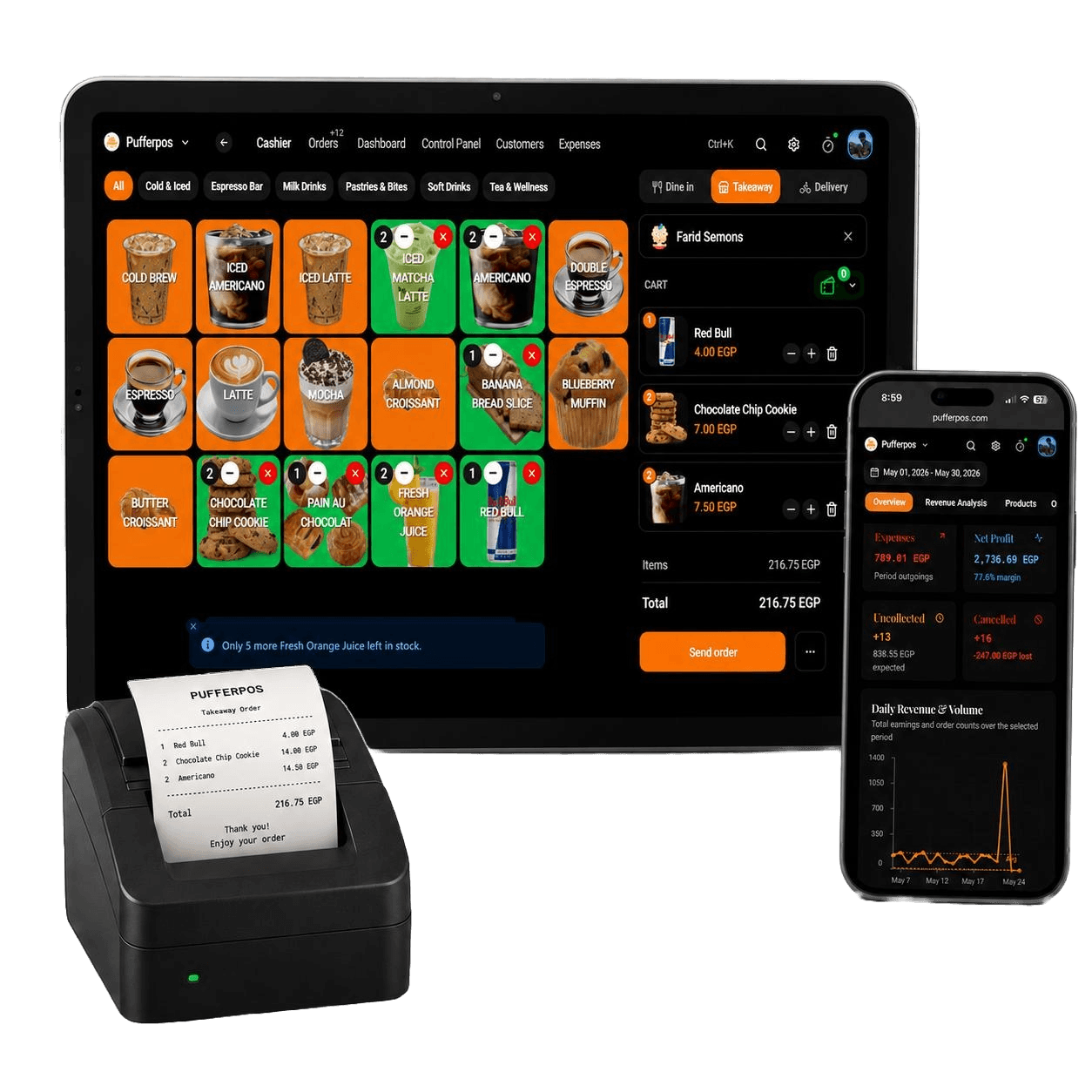
Screens
What I learned
I shipped a lot of surface area quickly. I am proud of that, but breadth is not the same as strength.
The next work is less glamorous: tighten the order, stock, permission, receipt, tax, refund, and offline edges around the main loop. Make reconciliation easier. Watch more real users. Remove what does not earn its place.
If I started again, I would narrow the first public version harder.
Not because ambition was the mistake. Because the core workflow has to carry the ambition.